
Tuesday 3 November 2026
Dagens namn:
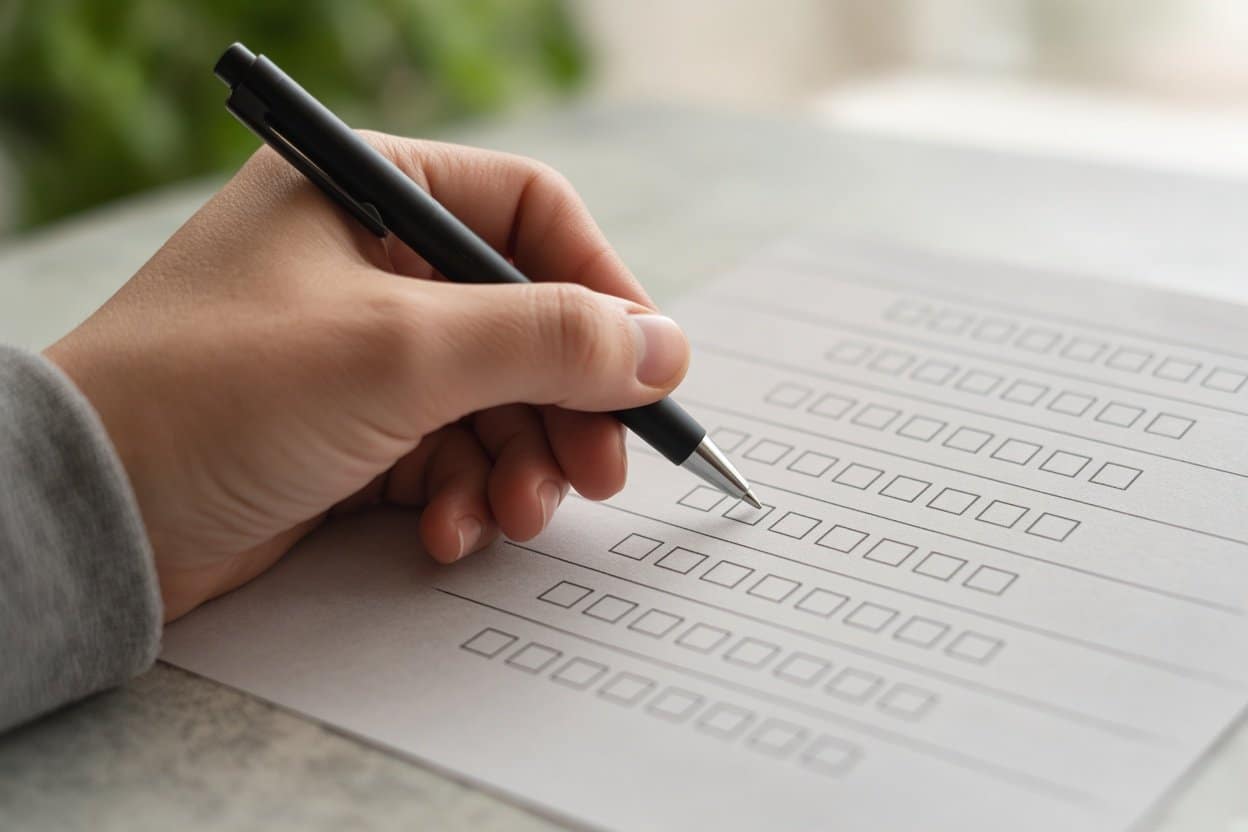
A Likert scale asks people to show the strength of their opinion, agreement, satisfaction, frequency or perceived importance using ordered response options. For most simple surveys, a five-point scale with a neutral middle option is a practical starting point, while the best free tool depends on response limits and the features you need.
The original Likert response format used five points and was published by Rensis Likert in 1932, although modern Likert-style questions can use different numbers of options. A single statement is a Likert item; a group of related items can form a Likert scale measuring a wider attitude or concept. (Research background on Likert scales)
Statement: “The website made it easy to find the information I needed.”
Question: “How satisfied are you with our customer support?”
Five-point scales are short and easy to complete. Seven-point scales provide two additional degrees of agreement, for example “Somewhat disagree” and “Somewhat agree”. An odd-numbered scale allows a neutral midpoint. An even-numbered scale can be appropriate when respondents must choose a positive or negative side, but removing neutrality can misrepresent people who have no opinion or no relevant experience. (University survey-design guidance)
There is no universally correct number of response options. A 2025 study notes that research has not established one optimal number for every Likert item or research context. (2025 research on response-option numbers)
A Likert scale is one type of rating scale, but the terms are not interchangeable. A Likert item normally presents a statement and asks respondents to select an ordered attitude, such as their level of agreement. A star rating or a 0–10 satisfaction score is a rating question, but it is not necessarily a Likert item. (Likert scale definition)
Keep each item focused on one idea and avoid treating the numbers as perfectly precise measurements. The appropriate analysis depends on whether you are examining individual items or combining related items into a wider scale.
Prices checked 8 September 2026. Prices can vary by country, billing frequency, account type and promotional pricing.
| Tool | Price checked | Free option and response restriction | Best suited to |
|---|---|---|---|
| SpaceForms | Free: $0; Pro: $14/month | Free plan advertises unlimited responses; no account required to create a form | AI-generated surveys and free high-volume collection |
| Google Forms | Free personal product; business price not verified | Practical thresholds documented: response summaries may disappear above 50,000 responses and Sheets syncing may be affected above 100,000 | Simple questionnaires and Google Sheets users |
| Microsoft Forms | Standalone price not stated on the cited support page | Personal free accounts: up to 200 responses; paid personal accounts: up to 1,000; some Microsoft 365 environments: up to 5,000,000 | Microsoft 365 organisations |
| Typeform | Basic: $39/month or $28/month annually; Plus $79; Business $129 | Basic: 100 responses/month; Plus: 1,000; Business: 10,000 | Conversational, polished forms |
| SurveyMonkey | Team Advantage: $30/user/month, billed annually; Team Premier: $92/user/month | Free users can add up to 10 questions per survey; response visibility depends on plan | Survey management and research workflows |
| Jotform | Free Starter plan; paid price not reliably visible | Submission limits apply across all forms on the account | Payments, workflows and integrations |
Google Forms supports multiple-choice grids that can be used for a matrix-style Likert question, while Microsoft documents different limits for personal and Microsoft 365 environments. (Google Forms limits; Microsoft Forms limits)
Choose SpaceForms if unlimited free responses and AI-generated survey creation are the priority; it is newer and less established than the larger platforms and has fewer integrations than Typeform, Jotform and SurveyMonkey. Choose Google Forms for a familiar basic questionnaire, Microsoft Forms for an organisation already using Microsoft 365, Typeform for a one-question-at-a-time presentation, SurveyMonkey for more mature survey-management features, or Jotform for payment and workflow forms. SpaceForms publishes guides on survey design and also provides free NPS and CSAT calculators; its advertised free response limit is a provider-stated feature.
For readers who want to build a questionnaire around these examples, SpaceForms can generate a survey from a description and does not require an account to create a form.
Use five points when simplicity matters. Use seven when respondents can distinguish more fine-grained levels of agreement. Neither is universally best.
Include one when respondents may genuinely have no opinion or mixed feelings. Add “Not applicable” when some people may not have enough experience to answer.
There is no universal rule. Consider whether you are analysing one item or a multi-item scale, and state the assumptions behind your method.
It is a rating scale, but not usually a Likert item because it does not normally ask respondents to select their agreement with a statement.
SpaceForms advertises unlimited responses on its free plan. Google Forms, Microsoft Forms, Typeform, SurveyMonkey and Jotform have documented thresholds or plan-dependent restrictions, so check the limit that applies to your account.